CO2 marking systems
CO2 Laser Marking Machines
Mark logos, text and production codes on wood, paper, cardboard and suitable non-metal materials. Zhuorui assembles and configures CO2 laser marking systems around your material, part handling and production needs.
- Workstation & conveyor configurations
- Material sample evaluation
- OEM & integration options
CO2 marking overview
CO2 Laser Marking for Non-Metal Products
A CO2 laser marking machine uses a focused laser beam to create text, graphics and identification marks on suitable materials. In a scanning system, the beam moves across a defined marking field while the workpiece stays in place or travels through a synchronized production line. Typical jobs include logos on wooden products, codes on paper packaging and surface marking on compatible leather, plastics and coatings.
Choose CO2 when the material produces the required contrast or surface effect and the marking setup fits your part handling. These systems focus on marking within a defined working area; large-panel engraving and sheet cutting require a separate equipment assessment.
Machine configurations
Choose a CO2 Marking Setup
Start with how you load, position and move the part. These configurations describe equipment layouts and integration options; an enclosure or inline arrangement can be combined with other features to suit the job.
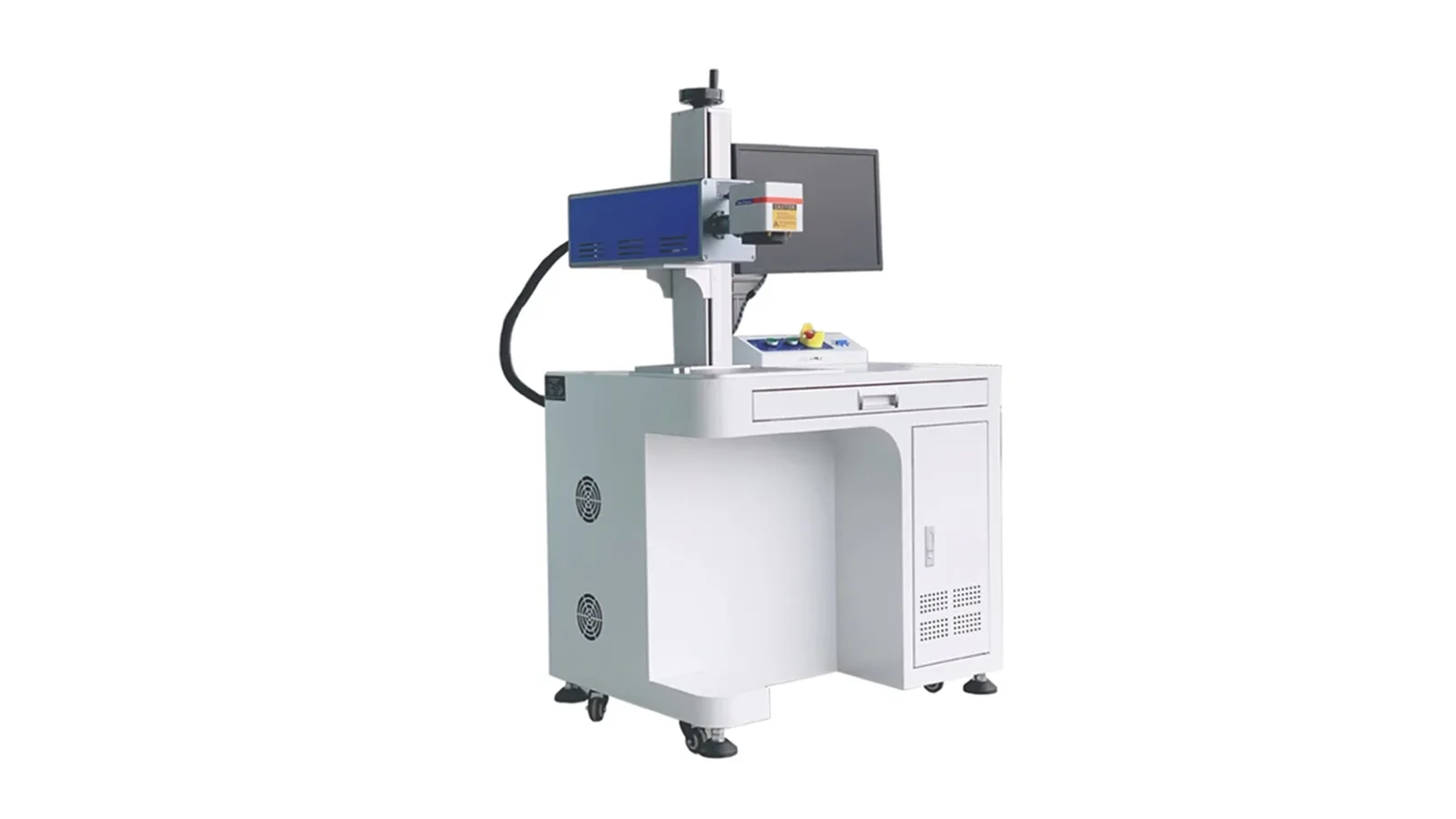
Desktop / integrated workstation
Desktop CO2 Laser Marking Machine
A fixed workstation for operator-loaded parts, including integrated table designs that combine the work surface and equipment housing. A fixture positions individual parts or small batches beneath the marking head.
Request a Desktop Quote →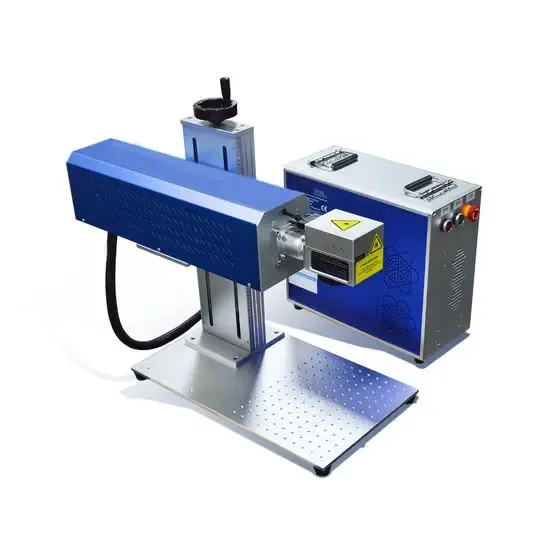
Split type
Split CO2 Laser Marking Machine
A separated equipment layout for arranging the controls and marking assembly around your workstation.
Request a Split-Type Quote →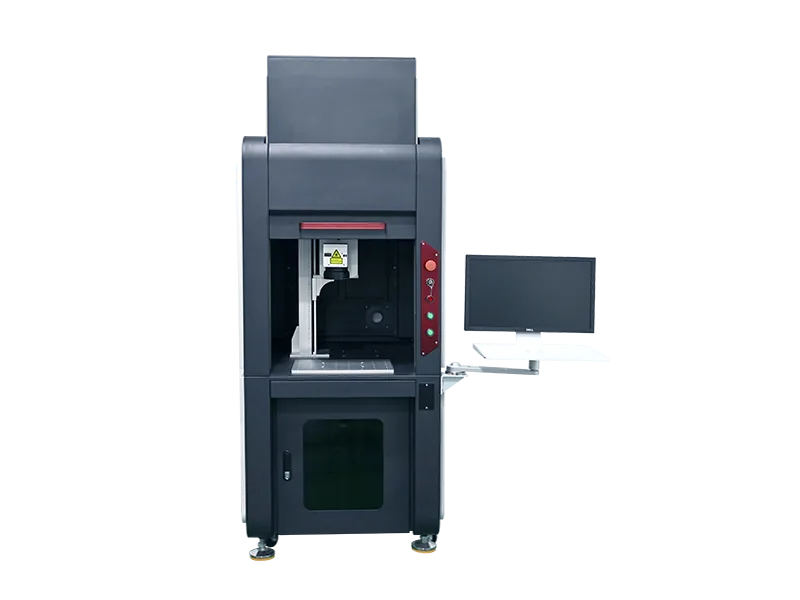
Enclosed
Enclosed CO2 Laser Marking Machine
A workstation with a surrounding enclosure for defining the marking area and organizing operator loading.
Request an Enclosed Quote →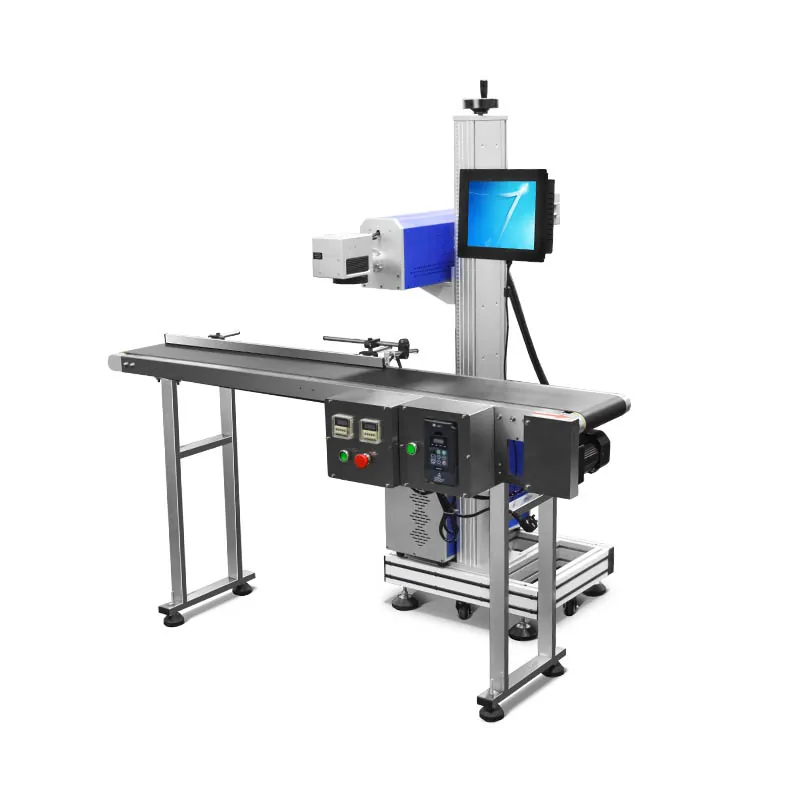
Flying / inline
Flying CO2 Laser Marking Machine
An inline configuration for date, batch and variable-data marking on moving packaging or parts. Triggering and motion synchronization follow the production line; code readability depends on line speed, product spacing and the marking layout.
Request an Inline Quote →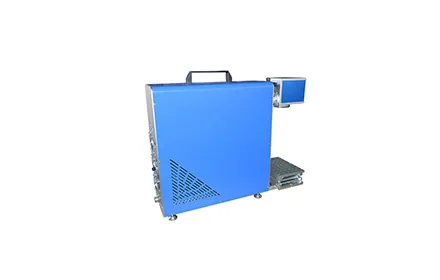
Portable layout
Portable CO2 Laser Marking Machine
A compact layout for installations where equipment positioning and relocation matter. Stable placement and suitable guarding remain part of the setup.
Request a Portable Quote →Equipment layout is only one part of selection. The quotation will identify the laser source, marking field, cooling, guarding and extraction arrangements for the proposed configuration.
Materials & applications
What Can You Mark with CO2?
The substrate and finish determine how the surface responds. Use these material groups to identify relevant tasks, then validate the required result with your production material.
Wood & cork
Logos, decorative details and identification marks.
Grain, resin, surface finish and heat response affect the appearance and edge quality.
Paper & cardboard
Text, batch codes and packaging identification.
Coatings, print layers and material thickness affect contrast and resistance to burn-through.
Leather
Branding and decorative surface marking on suitable leather.
Identify tanning agents, dyes and coatings; synthetic leather needs a separate composition review.
Selected plastics & films
Codes or surface marking on compatible formulations.
Resin, additives, film layers and laser wavelength affect absorption. A result on one plastic does not establish suitability for another.
Coated surfaces
Selective surface-layer removal or contrast marking.
Coating removal can expose a different underlying colour. Residue and the condition of the exposed substrate affect the final finish.
What Can the Mark Contain?
Logos, graphics, readable text, serial numbers, dates and batch information are common marking requirements. Barcodes and QR codes also need sufficient contrast and feature definition to remain readable.
For changing serial numbers or production data, the software and data connection must support the required format and update method.
What Surface Effect Can You Expect?
- Colour or contrast change: a visible change in suitable materials; the resulting colour depends on the substrate and finish.
- Surface-layer removal: removal of a compatible coating to reveal the layer beneath.
- Shallow engraving: removal of some surface material where the substrate and marking task allow.
The same settings do not produce the same result on every material. Sample testing establishes the acceptable appearance, readability and surface condition for your product.
Material limits: CO2 is generally not the first choice for direct marking on bare metal. Unknown plastics, adhesives and multilayer materials need composition and fume assessment before testing. Share the material grade and available safety data with your inquiry.
Selection guide
Match the Machine to the Job
Choose the layout around part handling, then select the laser and supporting equipment around the marking result.
| Your requirement | Suitable starting configuration | What to compare |
|---|---|---|
| Manual loading at a fixed station | Desktop / integrated workstation | Part clearance, fixture positioning, operator access and total cycle time, including loading. |
| A workstation with a surrounding enclosure | Enclosed system | Loading method, interlocks, protective viewing and extraction. Laser safety classification depends on the complete system. |
| A flexible installation layout | Split configuration | Equipment placement, marking-head support, beam delivery and service access. |
| Codes on continuously moving products | Flying / inline system | Line speed, product spacing, encoder or trigger input, data transfer and code readability. |
| Equipment that needs repositioning | Portable configuration | Actual weight, positioning repeatability, part access and operating-area controls. Portability does not imply handheld operation. |
Laser Source, Cooling & Extraction
RF-excited and DC glass-tube CO2 sources differ in modulation, beam characteristics and installation needs. They are not interchangeable solely because they have the same rated power. The source must suit the marking task and equipment design.
Cooling follows the selected source model and operating conditions. Identify whether the quotation includes a chiller or other cooling equipment, and agree the exhaust connection and fume-extraction scope.
A larger marking field also changes the optical setup. Select the field together with the smallest required detail, usable focus range and part dimensions.
Sample evaluation
Define a Mark You Can Accept
A useful sample test checks the finish and production requirement together. Send the following details with your material or sample request.
Identify the substrate
Provide the material grade, coatings, adhesive layers and actual production samples where available.
Share the artwork
Send the logo, text or code, its dimensions, the smallest feature and your target appearance.
Describe the handling
Include part dimensions, loading method, required cycle time or line speed, and variable-data needs.
Agree how to check it
Define contrast, edge quality, readability and any surface-damage or durability limits relevant to your part.
Zhuorui assembly & support
From Equipment Configuration to Setup
Zhuorui assembles and configures laser marking machines using sourced components. Our work covers the equipment layout, component integration, wiring and setup around the agreed application.

Machine Assembly & Wiring
Component selection, equipment layout and electrical connections form the foundation of the assembled marking system.

Setup & Application Review
Setup connects the machine configuration with the job: part positioning, marking artwork, material response and production handling.
Define the supply scope: Agree fixtures, rotary or automation options, cooling and extraction equipment, software and data interfaces, documentation, setup support and delivery requirements in the quotation. Workshop images show general assembly and setup activities.
Common questions
CO2 Laser Marking Machine FAQ
What materials can a CO2 laser marking machine mark?
CO2 is commonly considered for wood, paper, cardboard, cork, suitable leather, selected plastics and some coated surfaces. Composition, finish and the required appearance determine the result. Films and multilayer packaging require testing of the actual material.
Can CO2 laser marking machines mark bare metal?
CO2 is generally not the first choice for direct marking on bare metal. Removing a coating is a different task from marking the underlying metal. For bare-metal identification, start with our fiber laser marking machines and share the alloy and finish.
Should I choose desktop or flying CO2 marking?
A desktop setup suits parts that remain stationary during marking. A flying system marks products moving through a production line and needs suitable triggering, synchronization and data handling.
Does a CO2 marking machine need water cooling?
The requirement depends on the selected laser source. Some configurations use air cooling and others require water cooling. The quotation should identify the source model, operating conditions and included cooling equipment.
Is higher laser power always better?
No. Available power matters, but the result also depends on material absorption, beam and lens characteristics, focus, marking speed and heat accumulation. Select a configuration around the accepted sample result and production rate.
Does an enclosure automatically mean a Class 1 machine?
No. An enclosure alone does not establish laser safety classification. The complete system, accessible emission, interlocks, protective viewing and operating conditions must be assessed. CO2 laser radiation is invisible, and suitable guarding and fume extraction are part of installation planning.
What information is needed for a CO2 laser marking machine quotation?
Send your material and finish, part dimensions, marking artwork and size, target appearance, production rate, loading method and delivery destination. Add any rotary, fixture, enclosure, cooling, extraction or production-line integration requirements.
Related equipment
Explore Related Laser Marking Equipment
By Structure & Integration
Desktop machinesEnclosed machinesFlying machinesFlying & online marking integrationGet a CO2 marking quote
Find a CO2 Marking Configuration for Your Product
Send your material, marking content and production requirements. Our team will use these details to recommend a configuration and prepare a quotation, with sample testing where needed.