Machine Components & Replacement Parts
Machine Components & Replacement Parts for Laser Marking Systems
Zhuorui supports component matching for laser sources, galvo scanners, F-theta lenses, control cards, power supplies, industrial computers and 3D dynamic-focus heads. Send the machine and current-part information before ordering so optical, electrical, mechanical, control and cooling interfaces can be checked together.
- Replacement and spare-part review
- Third-party brands clearly identified
- Functional upgrades routed separately
Component families
What Machine Components and Replacement Parts Can Zhuorui Supply?
Use this page when the decision is about a component that forms or services the laser marking machine itself. Exact models are confirmed against the installed machine; sourced laser sources, scanners, lenses and controllers remain identified by their real third-party brand or manufacturer.
Laser sources
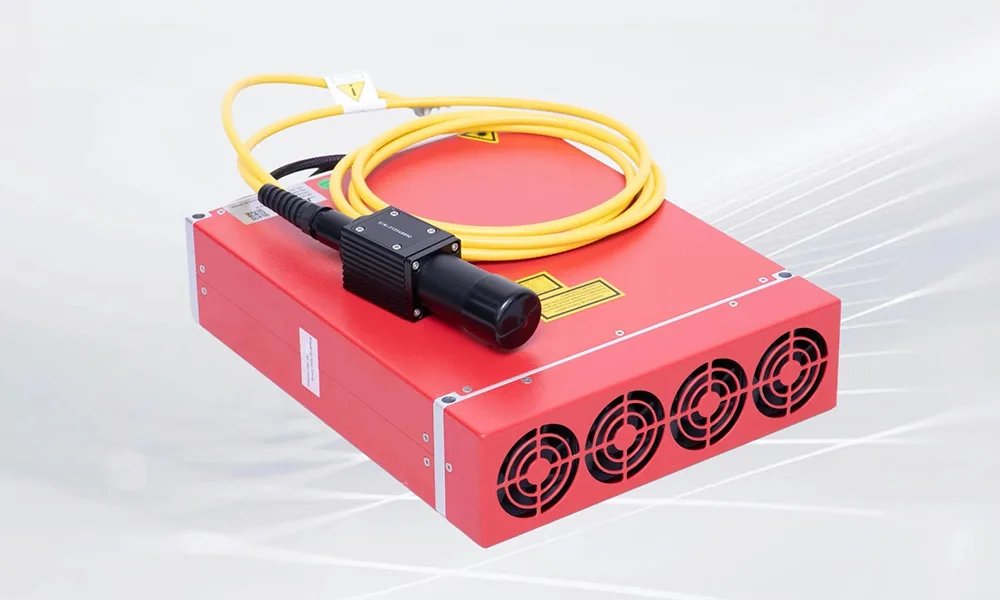
Laser Sources
The source generates the laser energy used by the marking system and directly affects wavelength, pulse behavior and the usable process window.
Zhuorui machine configurations may use fiber, UV or CO₂ laser sources from verified third-party brands. Exact model, power and replacement equivalence remain machine-specific.
Review source checks >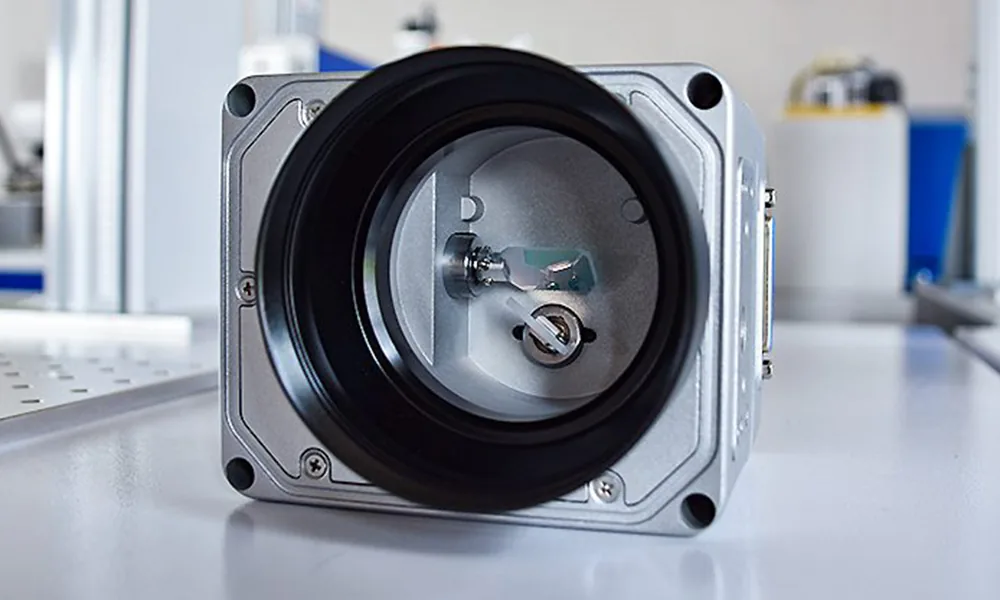
Optics & scan
Galvo Scanners
The galvo steers the focused beam across the marking field and works as a matched set with the controller, optics and correction data.
Review scanner checks >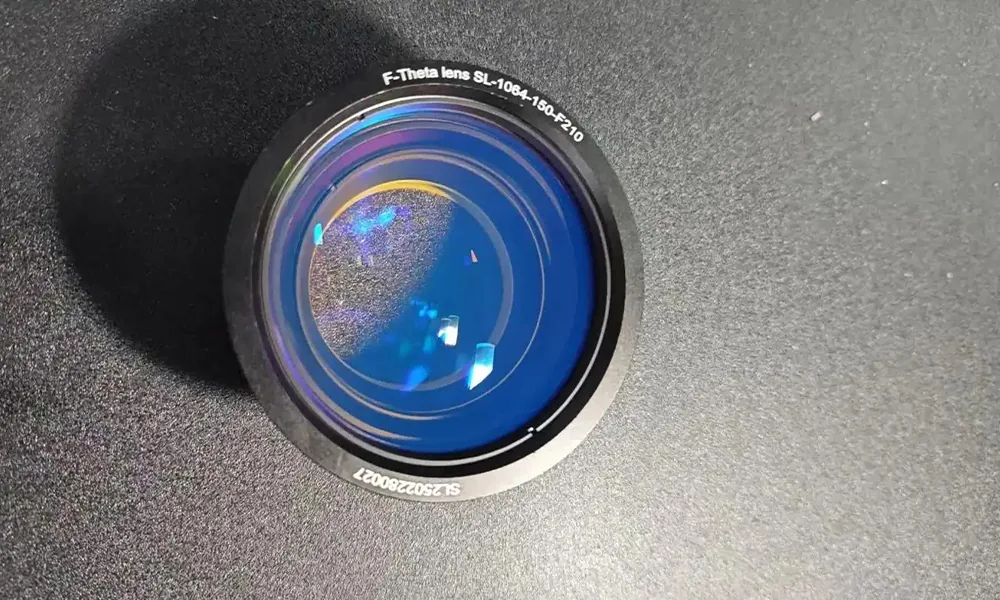
Optics & scan
F-Theta Lenses
The F-theta lens defines the focus relationship across the marking field and affects working distance, field size and spot behavior.
Review lens checks >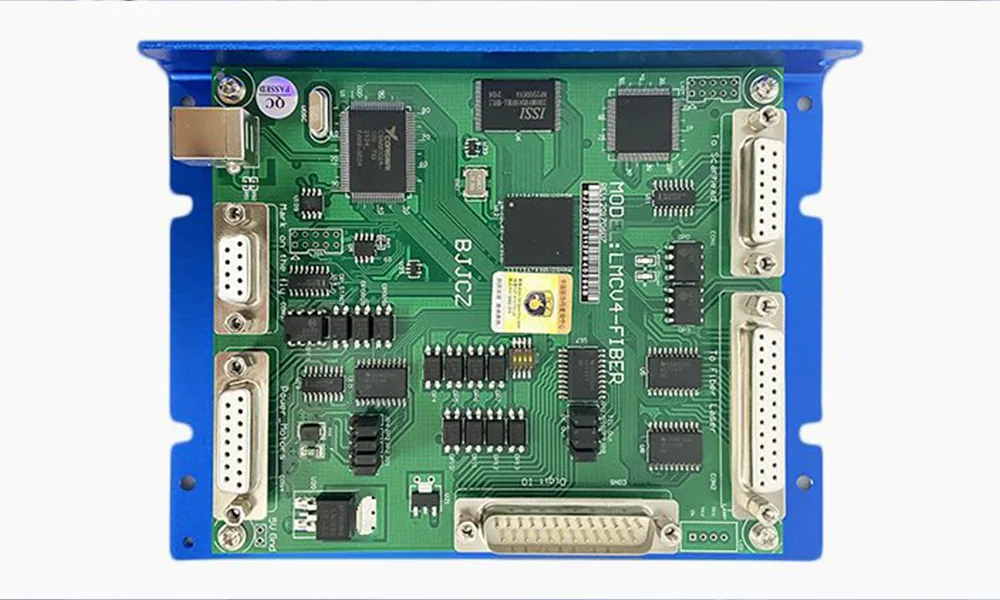
Control & power
Control Cards
The marking controller coordinates laser triggering, scanner commands, I/O and software communication.
Review control checks >
Control & power
Power Supplies
Power supplies feed the machine subsystems and must be matched electrically and mechanically to the installed architecture.
Review power checks >
Control & power
Industrial Computers & Displays
Replacement industrial PCs and displays are matched to the existing laser marking system so its marking software, drivers, files and operator interface can continue to operate correctly.
Review computer checks >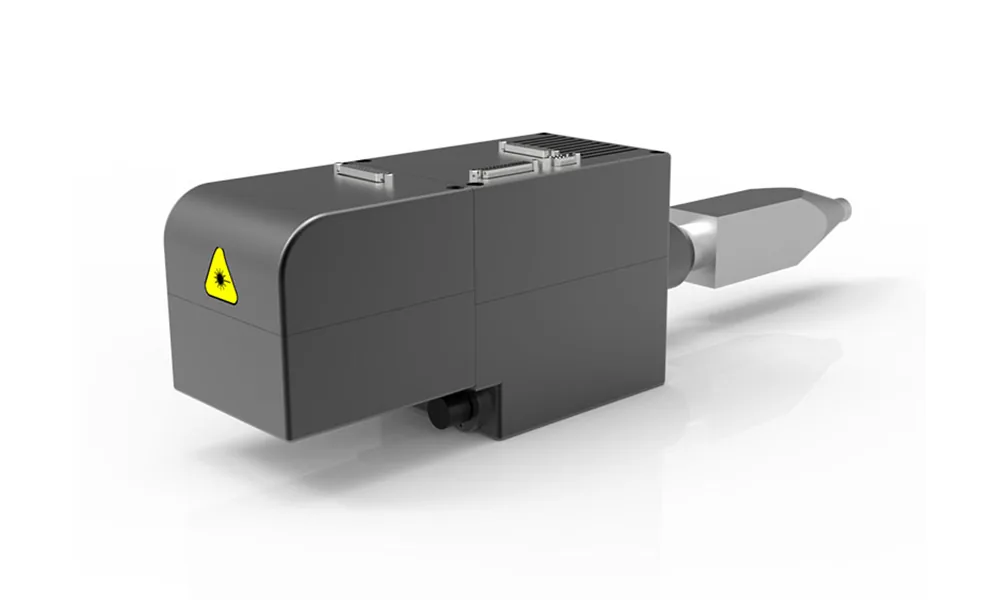
3D scan & focus
3D Dynamic-Focus Heads
Dynamic-focus heads vary focus through height and field and depend on matched optics, motion/calibration data and software.
Adding 3D capability is usually a system upgrade, not a simple drop-in replacement.
Check replacement vs upgrade >Laser source options
Laser Source Brands Available for Zhuorui Machine Configurations
Laser source selection starts with the laser route required by the material and marking task. Zhuorui machine configurations may use verified third-party fiber, UV and CO₂ sources; the exact brand, model, power, interface and cooling arrangement are confirmed for each machine.
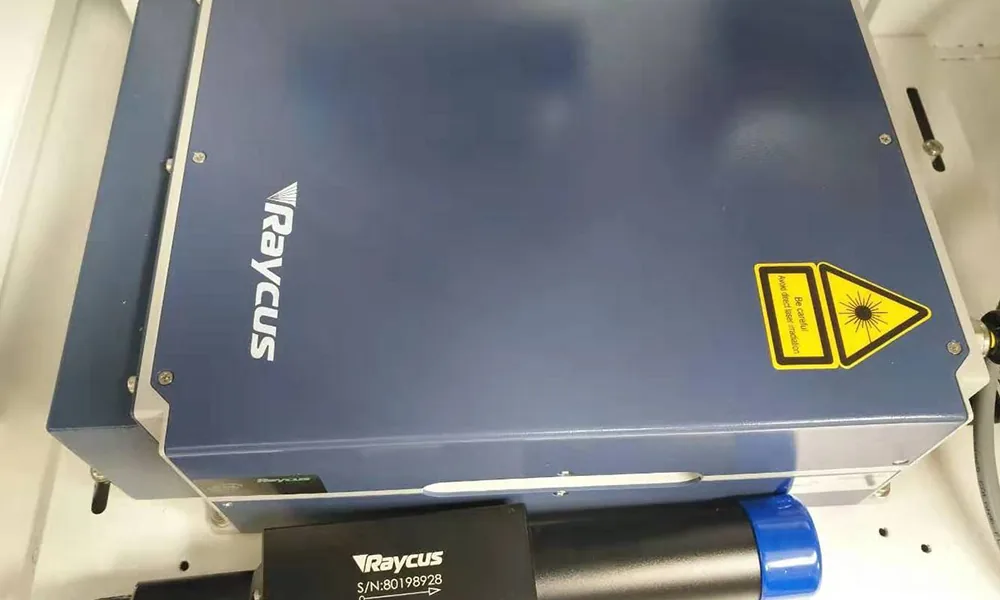
Fiber Laser Sources
Source brands Zhuorui can configure and supply for machine configurations include Raycus (锐科), JPT (杰普特) and MAX (创鑫).

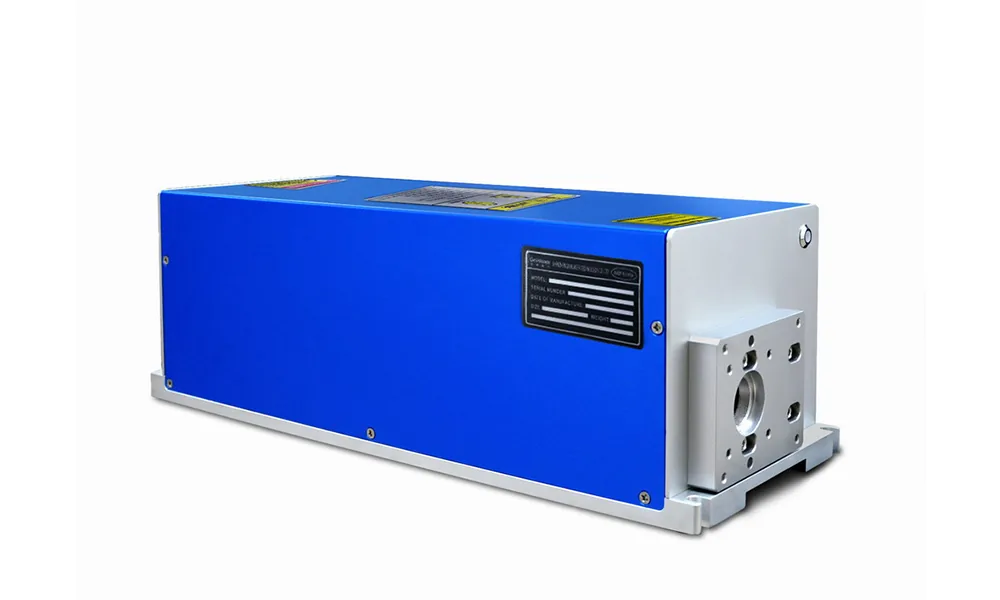
UV Laser Sources
Source brands Zhuorui can configure and supply for machine configurations include CRS (科瑞斯), GainLaser (格镭), RFH (瑞丰恒), HUARAY (华日) and INNO LASER (英诺).



CO₂ Laser Sources
Source brands Zhuorui can configure and supply for machine configurations include Coherent (美国相干), Synrad (新锐) and DAVI (大威).


Brand and model boundary: The laser-source brands above are third-party manufacturers or suppliers, not Zhuorui-manufactured sources. Zhuorui’s role is machine configuration, component matching, assembly, testing and supply. A photo or brand name does not by itself prove a specific model, power, stock state or universal replacement equivalence.
Choose the request type
Do You Need a Replacement, a Spare Part or a Functional Upgrade?
These requests can use some of the same hardware words, but they are not the same engineering decision.
Replacement
A current component has failed or must be exchanged while keeping the same machine function.
Priority: equivalence, connector/pinout, optical relationship, software, mounting, cooling and post-installation calibration.
Spare Part
The machine is still running, but you want a matched backup to reduce downtime.
Priority: exact model/revision, included cables or fittings, storage condition, parameter backup and a documented replacement procedure.
Functional Upgrade
You want the machine to do something new rather than simply replace an existing component.
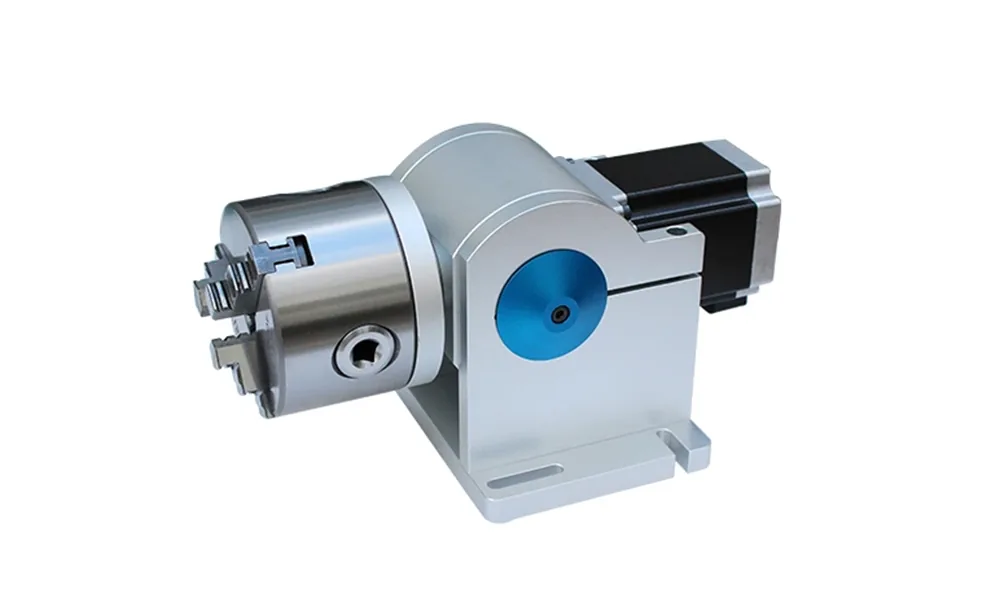
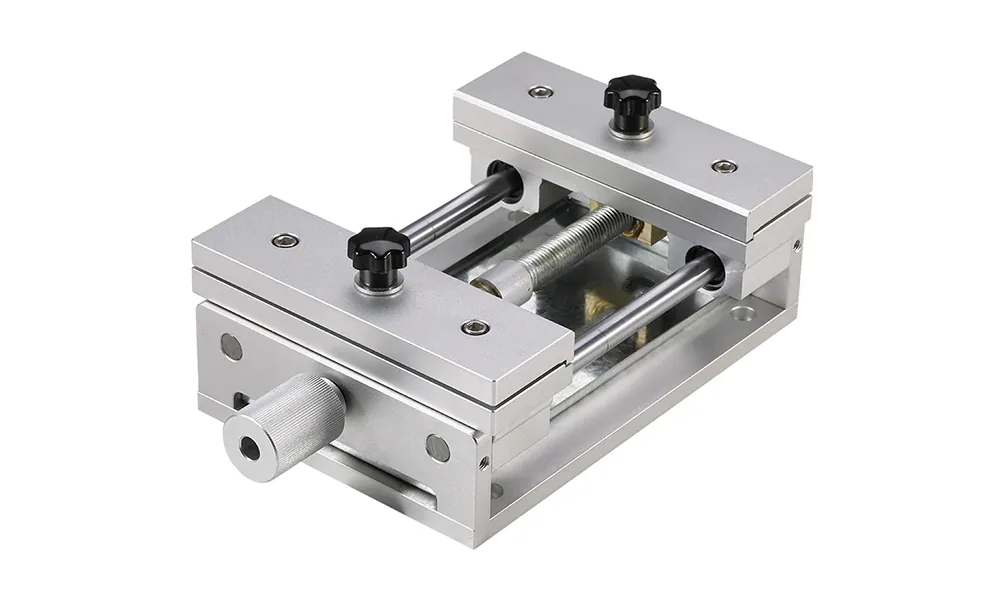
Rotary marking, vision positioning, fixtures, flying/online handling and automation should start with Functional Accessories & Attachments or the relevant Solution. Those projects can change controls, mechanics, cycle time and safety requirements.
Before ordering
Compatibility Is a Technical Check, Not a Keyword Match
A source, galvo, lens or controller can look correct and still fail at the optical, electrical, software, cooling or mounting boundary. Capture the complete installed relationship before ordering.
- Machine identity: machine model, serial, installed source, controller revision and current component label.
- Optical path: wavelength, pulse behavior, aperture, coating, field, working distance and focus reference.
- Electrical and controls: input/output, connectors, I/O, protocol, firmware, software version and alarm signals.
- Mechanical and thermal: mounting pattern, dimensions, service clearance, airflow or water path and heat load.
- Supporting information: part photos, label photos, drawings, supplier datasheets, wiring information, BOM relationship or a tested replacement history when available.
Compatibility matrix
What Must Match Before a Replacement Is Approved?
The same component family can be used in very different machine architectures. The table below shows the minimum relationship to confirm before purchase or installation.
| Family | Must match | Useful evidence | Common failure if skipped |
|---|---|---|---|
| Laser source | Wavelength, pulse mode, power path, cooling and controller interface | Source label, supplier datasheet, wiring/interface information, BOM or test record | Wrong process behavior, alarm state, control failure or thermal load |
| Galvo scanner | Aperture, wavelength/coating, protocol, mounting, lens relationship and correction data | Scanner model, controller compatibility, drawing and optical/field test | Distortion, soft edges, unusable field or no communication |
| F-theta lens | Wavelength/coating, focal length, aperture, thread or mount, working distance and scanner relationship | Lens marking, drawing, coating range and installed-path check | Focus error, field distortion, back reflection or optical damage |
| Control card / computer | Software image, firmware, ports, I/O, scanner/source relationship and license state | Backup image, interface list, board revision and software record | Incompatible software, missing drivers, no scan control or lost settings |
| Power supply | Input/output voltage, current capacity, connector/pinout, grounding, protection, airflow and cabinet fit | Power-supply label, electrical diagram, connector/pinout information and measured condition | Unstable operation, electrical fault, overheating or unsafe wiring |
| 3D dynamic focus | Wavelength, height range, field, calibration, software and geometric datum | Head datasheet, calibration file, mounting information and geometry test plan | Focus drift, edge distortion or incorrect 3D geometry |
After installation
What May Need to Be Rechecked After a Component Replacement?
Replacement does not always mean “bolt it in and resume production.” The affected calibration, software, thermal condition and mark result should be rechecked before normal production resumes.
Laser Source
Confirm trigger/control behavior, cooling, source alarms, usable parameter window and the mark result on the real material.
Galvo Scanner
Recheck field geometry, scanner calibration, correction data, edge quality and communication with the controller.
F-Theta Lens
Re-establish working distance and focus, confirm usable field size and verify distortion/correction across the field.
Control Card or PC
Restore or verify drivers, software version, I/O, source/scanner settings, parameter backups and file access.
Power Supply
Check input/output voltage, current capacity, connector/pinout, grounding, protection behavior, airflow and stable operation under real duty.
3D Dynamic-Focus Head
Reconfirm height datum, field/height calibration, geometric correction and acceptance on representative 3D parts.
Replacement workflow
Identify, Match, Test and Document the Replacement
The goal is to approve the complete component relationship, not just a similar-looking part.
Identify
Record machine model, serial, current component label, revision, failure symptom and the job the component supports.
Match
Compare optical/electrical ranges, drawing, mounting, cooling, software, interfaces and the installed machine relationship.
Test
Run the relevant mark, focus, geometry, communication, thermal or electrical check under the real installation condition.
Document
Record the approved model/revision, included items, settings or calibration files, replacement basis and operating limits.
A photo can identify the component family or brand, but it cannot prove replacement equivalence by itself. Use label data, interfaces, drawings, software/control information and the installed test result together.
Safety boundary
Component Replacement Does Not Remove the Laser Safety Review
Many marking systems use invisible laser radiation, including common 1064 nm fiber systems. Before energising a replacement source, scanner or optical path, evaluate the real optical path, reflective workpieces/tooling, guarding and service condition. A changed source, scanner, lens or enclosure arrangement can change the risk assessment.
Also review extraction and filtration for the actual material, coating, oil, ink, adhesive or other process contamination. For powered attachments or automatic equipment, define safe stop, access and restart behavior. Final safety and environmental compliance remains installation-specific.
If the replacement changes wavelength, beam path, enclosure, interlocks, control logic or access to the laser hazard, treat it as a system-level change that requires a broader safety and commissioning review.
FAQ
Common Component and Replacement Questions
How do I know whether a component fits my machine?
Send the complete machine model, current component label/photo, installed source and wavelength where relevant, controller, connector and mounting details, and the intended task. Compatibility should be confirmed across optical, electrical, mechanical, software/control and cooling interfaces.
Can I replace a part with one that has the same headline specification?
Not safely from the headline specification alone. A shared wavelength, power, field size or connector appearance does not prove equivalence. The installed interface, calibration, mounting, software and thermal relationship still need to match.
What if the original component is discontinued?
Start by identifying the functions and interfaces that must remain equivalent. An alternate part may require wiring changes, mounting adaptation, new correction/calibration data, software changes or a broader machine revalidation rather than a simple swap.
Should I buy an exact spare or upgrade the component?
For downtime protection, an exact or previously validated spare is usually the lower-risk path. If the goal is a larger field, different source behavior, 3D capability, vision, rotary handling or online marking, treat the request as an upgrade and review the complete system impact.
Which laser source brands can Zhuorui supply?
Depending on the machine configuration, Zhuorui can supply third-party fiber sources such as Raycus, JPT and MAX; UV sources such as CRS, GainLaser, RFH, HUARAY and INNO LASER; and CO₂ sources such as Coherent, Synrad and DAVI. The exact brand, model, power, interface and cooling arrangement are confirmed for the actual machine and marking requirement.
What should I send for a replacement or spare-part review?
Send the machine model, serial if available, component label/photo, revision, connector and mounting photos, failure symptom or spare-part goal, production impact and any original drawing, wiring information or supplier reference.
Compatibility review / RFQ
Send the Current Component and Machine Details Before You Order
For the fastest review, include the machine model, current component label and photos, source/wavelength where relevant, controller/software information, connector and mounting details, failure symptom or spare-part goal, and any drawing or supplier reference. Zhuorui can then confirm the correct replacement path, identify compatibility gaps and tell you what must be tested or recalibrated before release.