
Resource / service and diagnosis
Laser Marking Machine Maintenance & Troubleshooting
A repeatable troubleshooting sequence keeps a laser marking machine safe, available and easier to support. Start with the symptom and machine state, verify the simple causes, then collect the evidence a qualified technician needs.
Use this guide for: first-line checks for common faults, focus, beam path, lenses, software and cooling. For model-specific specifications, repair procedures and compliance requirements, follow the documentation and safety controls that apply to the configured machine and site.
- Common faults and alarms
- Focus, beam path and lenses
- Software and controller checks
- Cooling and preventive maintenance
The direct answer
How to Troubleshoot a Laser Marking Machine Safely
The fastest diagnosis is usually the one that preserves the machine state and removes variables one at a time. Stop when a check requires opening a source, defeating a guard, changing an energized connection or entering a service mode you are not qualified to use.
- Make the machine safe: stop emission, follow the site lockout and wait for motion, beam and cooling systems to reach their safe state.
- Capture the symptom: record the exact alarm, software message, recent change, material, artwork, lens, focus height and ambient conditions.
- Isolate the fault area: decide whether the symptom follows the part, job file, optics, controller, source, motion system or cooling loop.
- Change one variable: use a known-good file, reference part or approved parameter set and document each change.
- Verify and record: confirm the mark, alarm reset, temperature and repeatability before returning the machine to production.
30-second symptom selector
Start With the Symptom You Can Actually Observe
Choose the closest symptom before changing parameters. The goal is to enter the right diagnostic branch without guessing at the failed component.
No laser emission or source not ready
Start with alarms, safety chain, source enable, controller state and the installed cooling/interlock condition.
Job runs but no visible mark appears
Use a known-good job and reference part; check focus, lens window, material/surface and the intended parameter revision.
Weak, pale or inconsistent mark
Compare focus, optics, material variation, source status and parameter revision one variable at a time.
Shifted, stretched or distorted mark
Check fixture datum, field position, lens selection and correction-file or scan-head configuration.
Software or controller will not connect
Verify the selected device, driver, controller state, permissions and USB/network path before editing the job.
Cooling alarm or overheating
Identify whether the configured machine is air-cooled or water-cooled, then follow the matching checks.
Common faults and alarms
Common Laser Marking Machine Problems and First Checks
These are first-line checks for a configured machine. The machine manual and its service history control the exact sequence, limits and reset authority.
| Symptom | First safe checks | Likely boundary | Escalate with |
|---|---|---|---|
| No laser emission or source not ready | Read the alarm; verify the emergency stop and safety chain are in the permitted state, the controller is ready, the source-enable condition is satisfied and the installed cooling/interlock system is normal. Never bypass an interlock to force emission. | Safety chain, source enable, controller state, source-ready state or cooling/interlock condition. | Alarm screenshot, source-ready/status indication, controller state, machine model/configuration and recent changes. |
| Job runs but no visible mark appears | Do not try to visually locate an invisible laser beam. Use an approved reference file and part; confirm the intended layer/job is enabled, then check focal height, lens-window condition, material/surface and parameter revision. | Job/layer setup, focus/optics, material response, parameter mismatch or source-output issue. | Reference-job result, mark photo, material/surface, lens and field, focus reference and parameter-set revision. |
| Weak, pale or inconsistent mark | Use a reference file and part; check focus height, lens window, contamination, material surface and parameter revision. | Focus/optics, material variation, source output or parameter mismatch. | Mark photos, lens and field, material batch, parameter set and repeat test. |
| Mark shifted, stretched or distorted | Check fixture datum, field position, lens selection, galvo correction file and whether the error follows the file or work area. | Part presentation, field calibration, lens or scan-head configuration. | Known-good geometry, field location, correction-file revision and measurements. |
| Galvo or axis does not move | Stop the job; check alarm state, permitted cable seating, controller connection and whether the axis is homed. | Motion controller, cable, home sensor or software command. | Axis alarm, controller LEDs, homing result and service history. |
| Software cannot connect | Confirm controller power, selected device, driver/service status, network or USB path and project compatibility. | PC, driver, controller, permissions or communication path. | Software version, device name, connection log and a backed-up project. |
| Cooling alarm or temperature rise | Stop emission; check chiller display, flow, level, ambient temperature, air path and filter condition within the manual. | Chiller, flow path, heat exchanger, ambient condition or interlock. | Alarm code, inlet/outlet temperature, flow value, runtime and photos. |
| Smoke, odor or unexpected residue | Stop and ventilate through the approved extraction path; identify the exact material, coating and any change in batch. | Material chemistry, extraction, focus or excessive heat input. | SDS, material stack, extraction state, sample photo and approval to resume. |
Focus, beam path and lenses
Weak or Distorted Laser Marks: Focus, Lens and Scan-Field Checks
Changing parameters may alter how the mark looks, but it will not remove an underlying dirty-lens, focal-height or beam-path fault. Start with non-invasive checks and stop before alignment work that requires qualified service.
Focal height and surface
Confirm the approved focal distance, Z reference, part seating and surface flatness. A tilted, stepped or curved part can make one area look like a power problem.
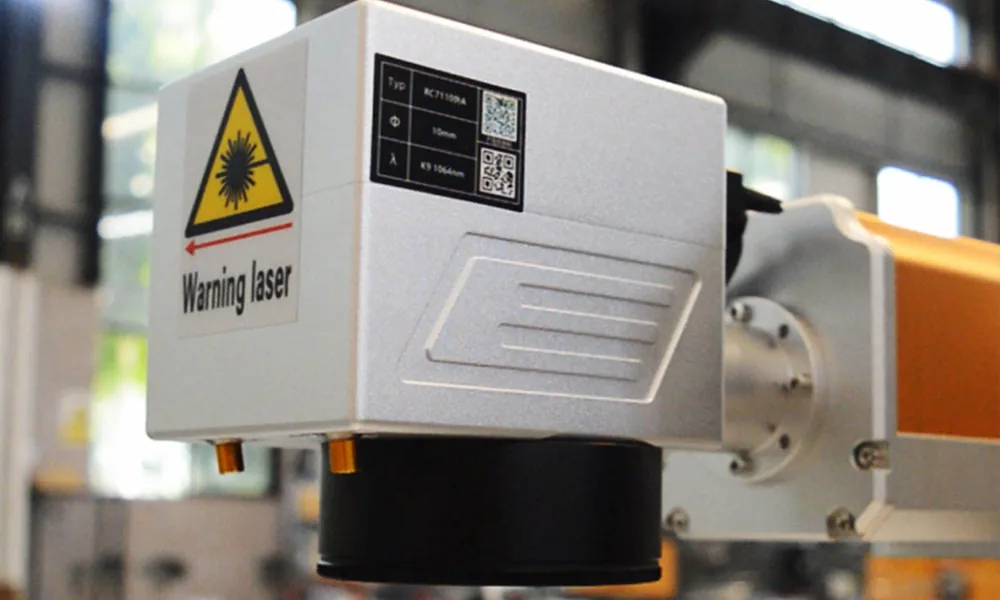
Beam path and scan field
Check only the visible, permitted path and enclosure condition. Do not remove covers or adjust mirrors. Escalate if the symptom changes with field position or after transport.
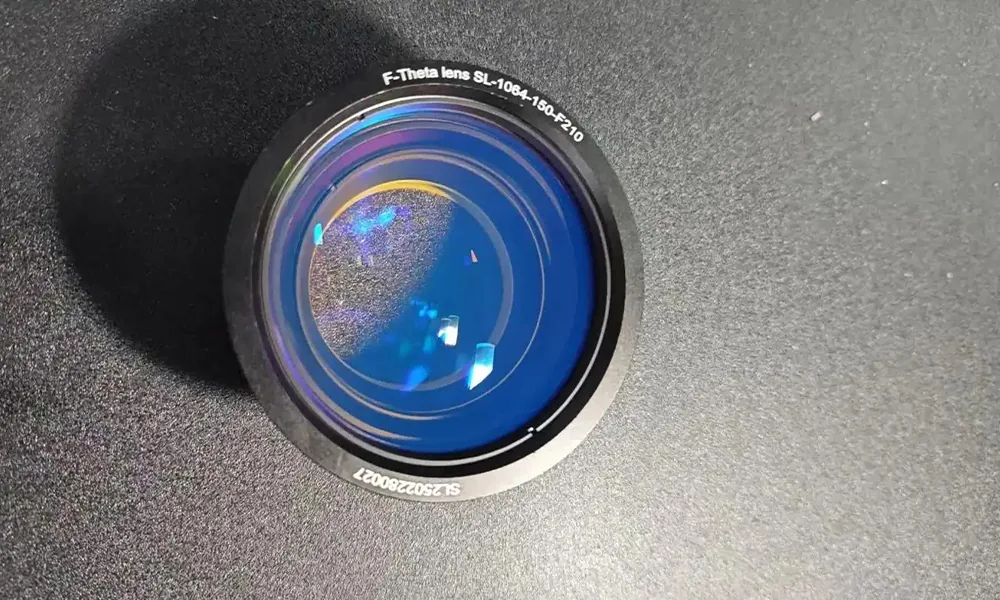
F-theta lens window
Inspect through the approved viewing method for dust, film, burn marks or impact. Use only the specified cleaning material and procedure; replace damaged optics through service.
Lens and field selection
Verify the installed lens, working field and job calibration match the project. A file created for another field can look shifted, scaled or under-focused.
Scan-head behavior
Compare a small reference geometry at the center and edge of the approved field. If distortion changes with field position, record the pattern and treat galvo correction, lens selection or scan-head configuration as possible causes.
Alignment and source work
Beam alignment, source replacement and energized optical work require qualified service. Record the symptom and preserve the prior configuration before handoff.
Software and controller
Laser Marking Software and Controller Connection Problems
Software faults often look like machine faults. Confirm the device, driver and controller state first, then check the project file and permissions. Keep a backed-up copy before changing a working job.
- Device identity: selected controller, machine profile, IP/USB path and the expected source or galvo configuration.
- Version match: confirm that the application, driver, controller firmware and any required plug-ins or post-processor match the approved configuration for this machine.
- Job integrity: file opens cleanly, artwork scale and origin are correct, fonts are available and the parameter set is the intended revision.
- Permissions and data: user role, file location, antivirus or network policy and write access are not blocking the job.
- Recovery: restore a known-good project only after saving the current file and recording the software and controller state.
Cooling and thermal stability
Laser Marking Machine Cooling Alarms and Overheating
Cooling architecture varies by machine. Many fiber and MOPA configurations are air-cooled, while UV and other configured systems may use a water chiller. Diagnose the cooling system that is actually installed; do not apply chiller checks to an air-cooled machine or assume a running fan proves thermal stability.
| Checkpoint | What to observe | Safe first action | Evidence for service |
|---|---|---|---|
| Identify the cooling type | Confirm whether the configured source/system is air-cooled, water-cooled or uses a separate cooling device, using the delivered machine documentation. | Follow only the checks that apply to the installed configuration. | Machine model, source/configuration, cooling device model and any displayed alarm. |
| Air-cooled system | Fan operation, blocked vents, dust-loaded filters, cabinet clearance, room temperature and nearby heat sources. | Stop marking if temperature or airflow is abnormal; restore specified ventilation and isolate power before any permitted filter or fan-area service. | Ambient temperature, vent/filter condition, fan behavior, runtime before the fault and photos. |
| Water-cooled system | Chiller alarm code, setpoint, inlet/outlet temperature, flow indication, reservoir level, visible leaks and unusual pump noise. | Stop emission and follow the chiller/manual restart procedure. Do not open a hot or pressurized loop or substitute unapproved coolant. | Alarm code, timestamps, temperature readings, flow/level, runtime, leak location and photos. |
| Thermal drift or recurring alarm | Whether mark quality drifts as the system warms, a fault returns after a production run, or temperature/airflow/flow fails to stabilize. | Keep the machine out of production until the installed cooling system is stable and a reference mark repeats within the defined acceptance criteria. | Warm-up time, temperature trend, duty cycle, cooling status and repeated reference marks. |
Preventive maintenance
Preventive Maintenance Checklist for Laser Marking Machines
A short, dated record makes drift visible and gives service a reliable baseline. Set frequencies to the machine manual, duty cycle, environment and material load.
Maintain the cooling system that is actually installed. Air-cooled machines need clean vents, filters, fans and clearance; water-cooled machines need the chiller, coolant circuit, flow and service items specified for that configuration.
Return-to-production verification
Verify the Fix Before Returning the Laser Marker to Production
A fault is not closed because one test mark looks acceptable. Release the machine only after the original symptom is gone, the result repeats and the operating state remains stable under the approved conditions.
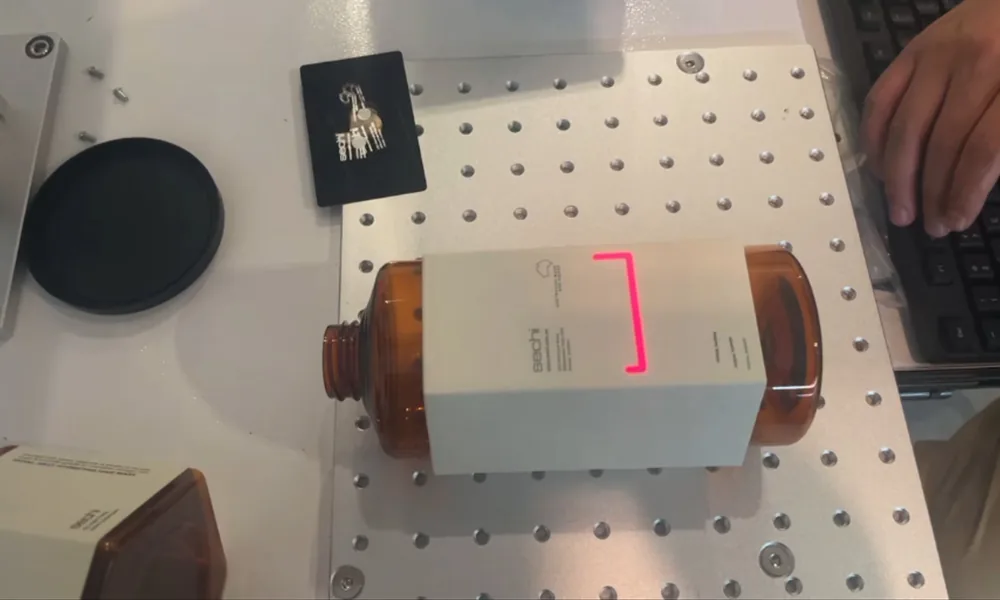
Run the known-good job and part
Use the approved reference file, reference material or retained acceptance sample under the intended lens, focus and fixture condition.
Check the defined acceptance criteria
Confirm the result against the actual requirement: position, legibility, contrast, geometry, appearance or another documented criterion. Do not release from a visual impression alone when a defined test exists.
Repeat several consecutive marks
Make sure the result remains consistent instead of accepting a single successful mark after a reset, cleaning step or parameter restoration.
Watch alarms and thermal behavior
Confirm that alarms do not recur and that the installed air-cooling or water-cooling system remains stable through the required warm-up or production check.
Record the released configuration
Log what changed, the restored software/parameter revision, replaced or cleaned items, test result, remaining limitations and who approved return to production.
Do not release the machine if the symptom returns
If the fault is intermittent, the acceptance result cannot be repeated, a safety control was changed, or the cooling/thermal state remains unstable, keep the machine out of production and escalate with the recorded evidence.
Evidence-led service
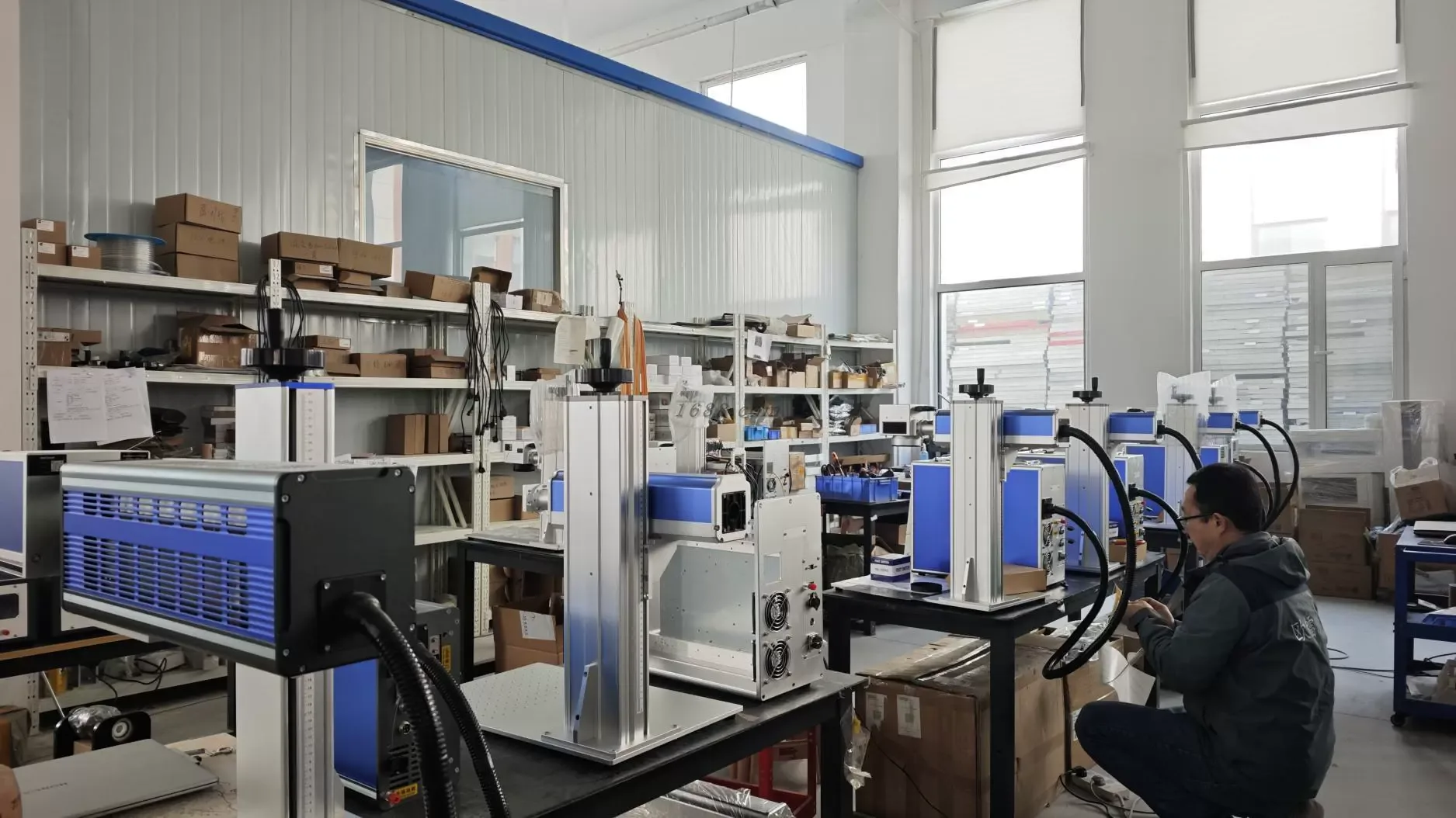
What to Include in a Laser Marking Machine Service Request
Images and logs provide context; the useful handoff ties the symptom to a configuration, test condition and recent change.

Clear ownership boundaries
When to Stop Troubleshooting and Call Qualified Service
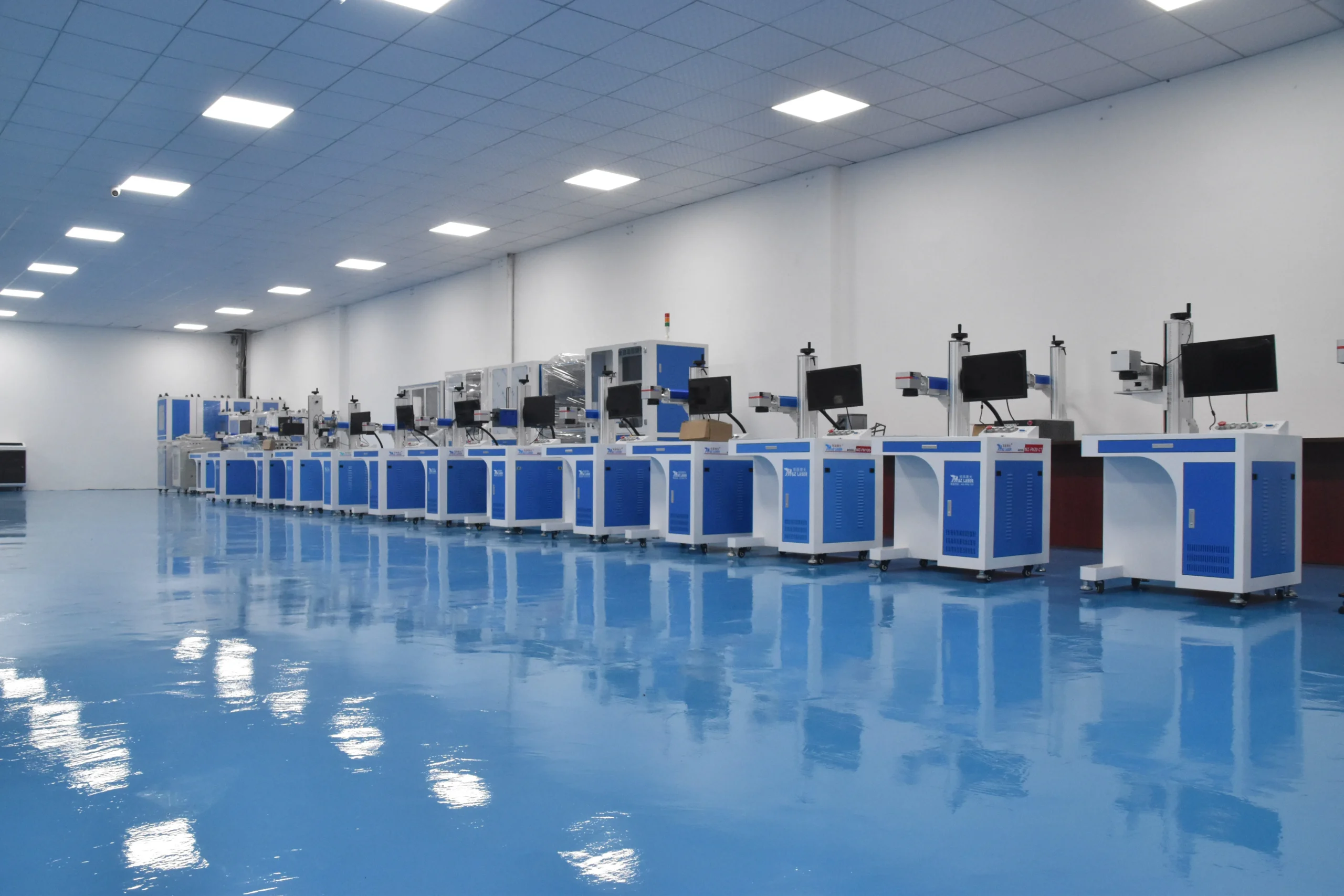
The page helps a team decide what can be checked at the workstation and what must move to qualified service or site safety review.
Operator checks
Safe stop, symptom capture, permitted visual checks, approved reference job and accurate handover.
Maintenance-team checks
Routine checks, backups, permitted cleaning, records, spare-part control and release against the manual.
Supplier service tasks
Depending on the machine, service agreement and local authorization, source replacement, beam alignment, galvo or controller-firmware work, energized electrical work and configuration-level repair should follow the applicable manufacturer service procedure and be performed only by personnel trained and authorized for that task.
Site safety responsibilities
Use the machine or system classification supplied for the configured system, then confirm that site lockout, guarding, extraction, training, risk assessment and return-to-service controls remain appropriate for the actual installation and use. If a modification changes the safety configuration, the classification may need to be re-evaluated.
Maintenance FAQ
Laser Marking Machine Troubleshooting FAQ
These answers frame first-line diagnosis. The delivered machine manual, configuration and site rules control the final action.
What should I do first when the machine stops marking?
Stop the job and emission, keep the safety controls intact, read the alarm or status message and record the machine state. Check only the permitted items in the manual, such as job enable, cooling status and controller readiness, before escalating.
Can I increase power or slow the scan to fix a weak mark?
Do not change multiple parameters as a first response. Confirm focus, lens condition, material surface, source status and parameter revision with a known-good reference. A parameter change may hide an optical, thermal or material issue.
How do I know whether the problem is focus or the lens?
Use an approved focus check and a known-good reference part. If the symptom follows focal height or surface geometry, investigate focus. If it follows the field, shows haze or a damaged spot, or remains after the focus check, preserve the state and escalate lens or scan-head evidence.
Can an operator clean the F-theta lens?
Only when the machine manual explicitly permits it and the approved power-isolated procedure, tools and cleaning material are available. Never touch the optical surface with unapproved materials or continue if there is impact, burn damage or uncertainty.
What software details should be included in a service request?
Include application and driver versions, controller model, connection method, exact error text, project file, device profile, recent changes and whether a known-good job works. Remove passwords and private network credentials.
Can I reset a chiller alarm and continue production?
Only if the manual defines the reset and restart conditions and the values are back within the approved range. A recurring alarm, rising temperature, loss of flow or leak is a stop condition that requires service review.
When should I call qualified service?
Escalate for source, beam alignment, galvo, energized electrical, interlock, enclosure, repeated cooling or unexplained thermal symptoms, and any check that requires defeating a control or opening a guarded system.
Next step
Send the Symptom and Machine Details for Service Support
For a faster review, include the machine model and serial, exact alarm, job file, material and surface, lens and field, focus height, cooling readings, software/controller versions, recent changes, photos and the acceptance test you need to pass.
Evidence boundary: This guide supports diagnosis and communication. It does not guarantee a repair, confirm a machine's compliance or replace the applicable manual, qualified service procedure or site safety approval.